Many
perspectives.
One memory.
Create an Event in POVE, share one QR, and let guests shoot from their own point of view. Nobody sees the photographs until Reveal opens the shared Memory.




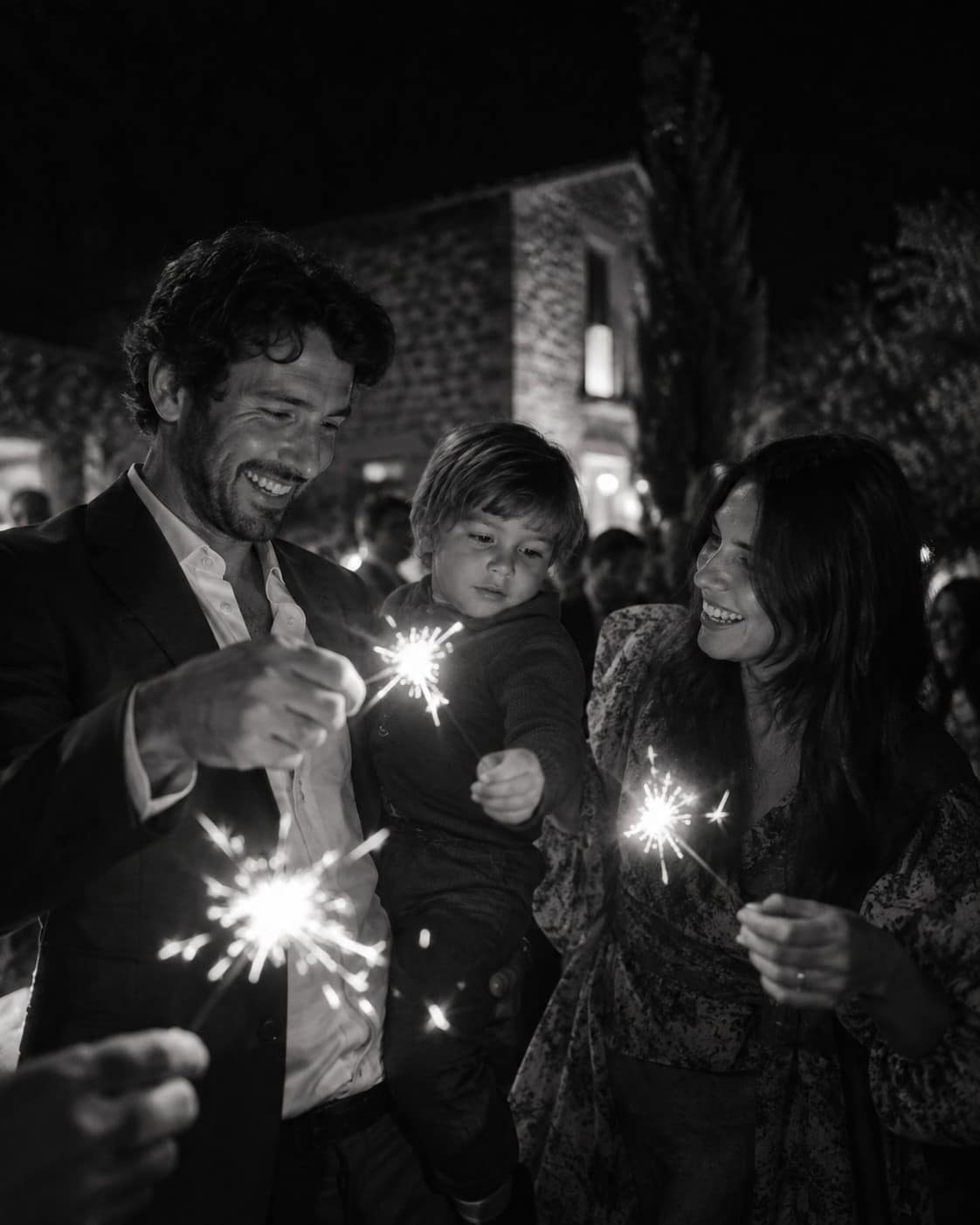
Everyone shoots. Nobody looks until later.
The POVE difference
Everyone shoots.
Guests capture the Event from their own point of view — no feed, no pressure to perform.
Nobody looks.
Every photograph stays hidden. No one spends the night scrolling through what just happened.
Then it opens.
At Reveal, separate perspectives develop into one shared Memory — all at once.
Create, invite, shoot,
reveal.
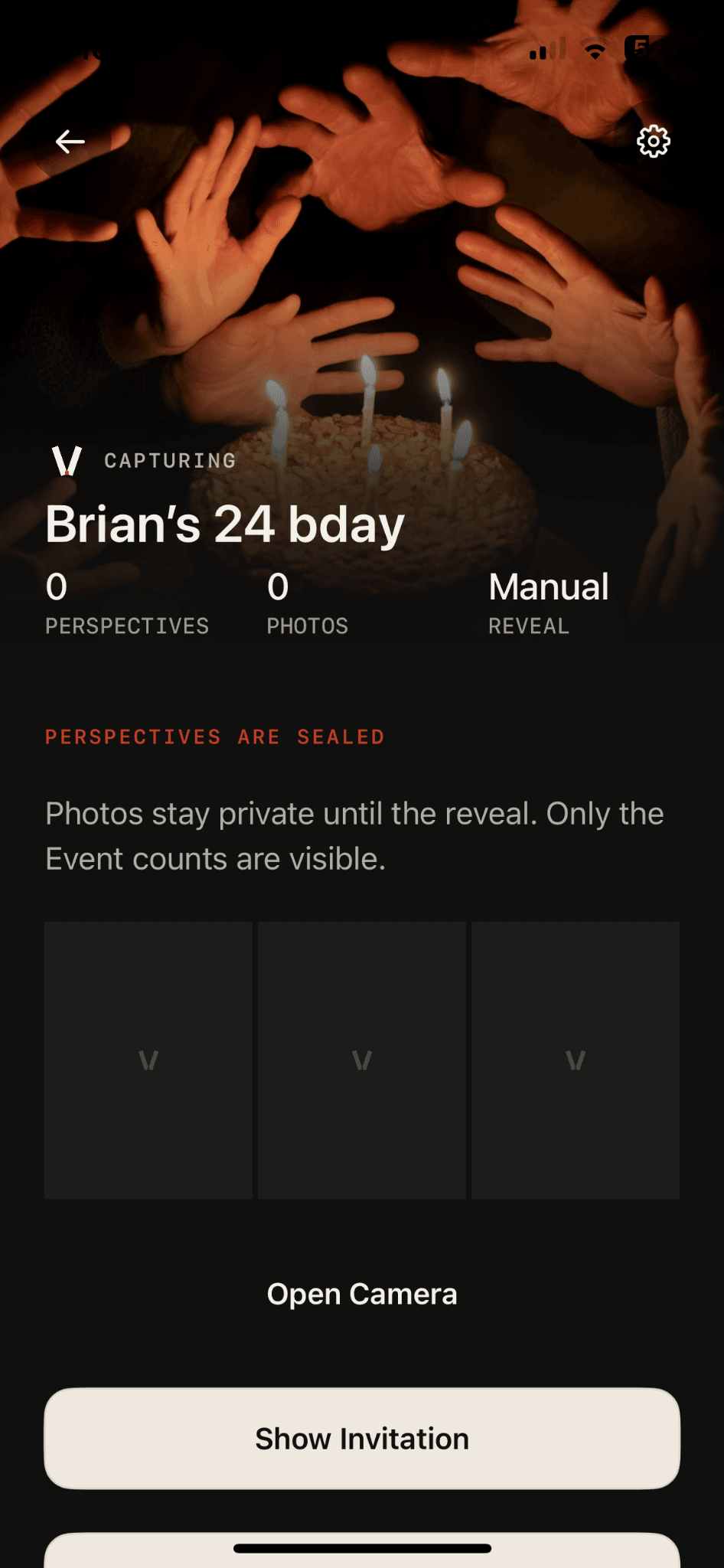
Create
The Host starts an Event in the full POVE app and chooses the roll and Reveal setting.
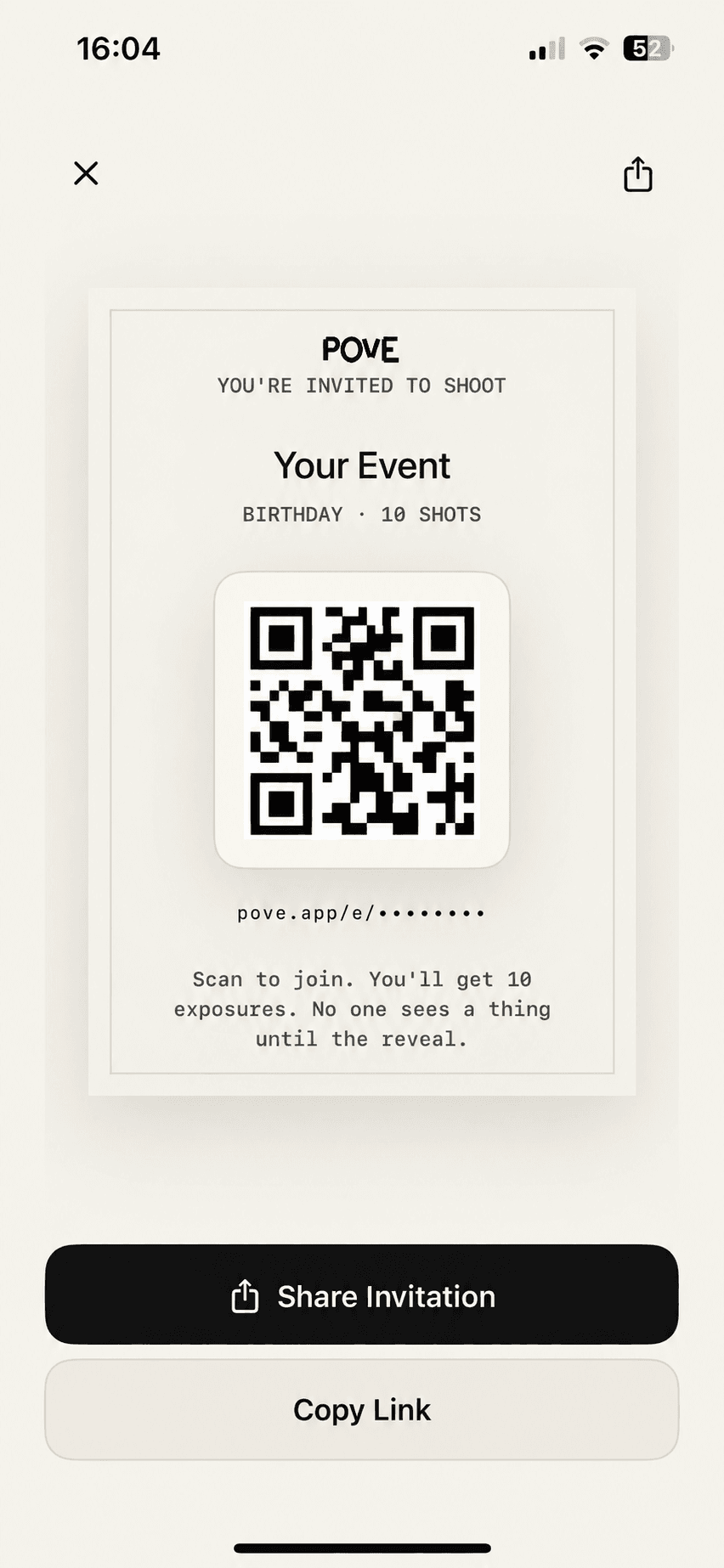
Invite
One private link or QR opens POVE or its App Clip. Guests can join without creating a permanent account.
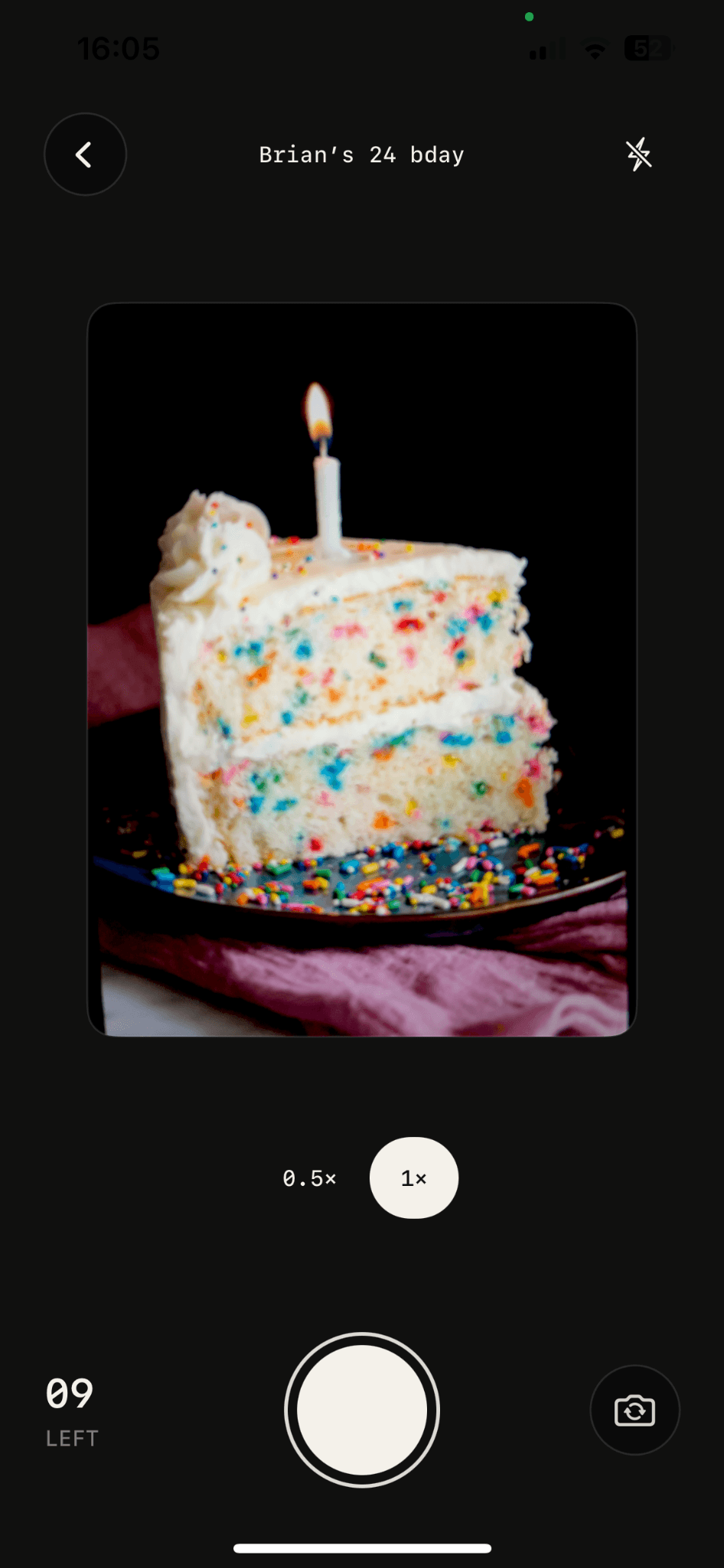
Shoot
Every guest gets a finite roll. Limited exposures make each frame count.
Reveal
According to the Event’s Reveal setting, every uploaded perspective opens into one shared Memory.
A finite roll
changes how
you shoot.
Each guest receives a limited roll. When frames are finite, you stop collecting and start seeing. No feed. No editing. Just the moment in front of you.
While it develops,
you're still here.
Nobody spends the Event reviewing everyone else's photographs. The roll stays closed until Reveal, so attention stays on the room you're actually in.
Then it all
opens at once.
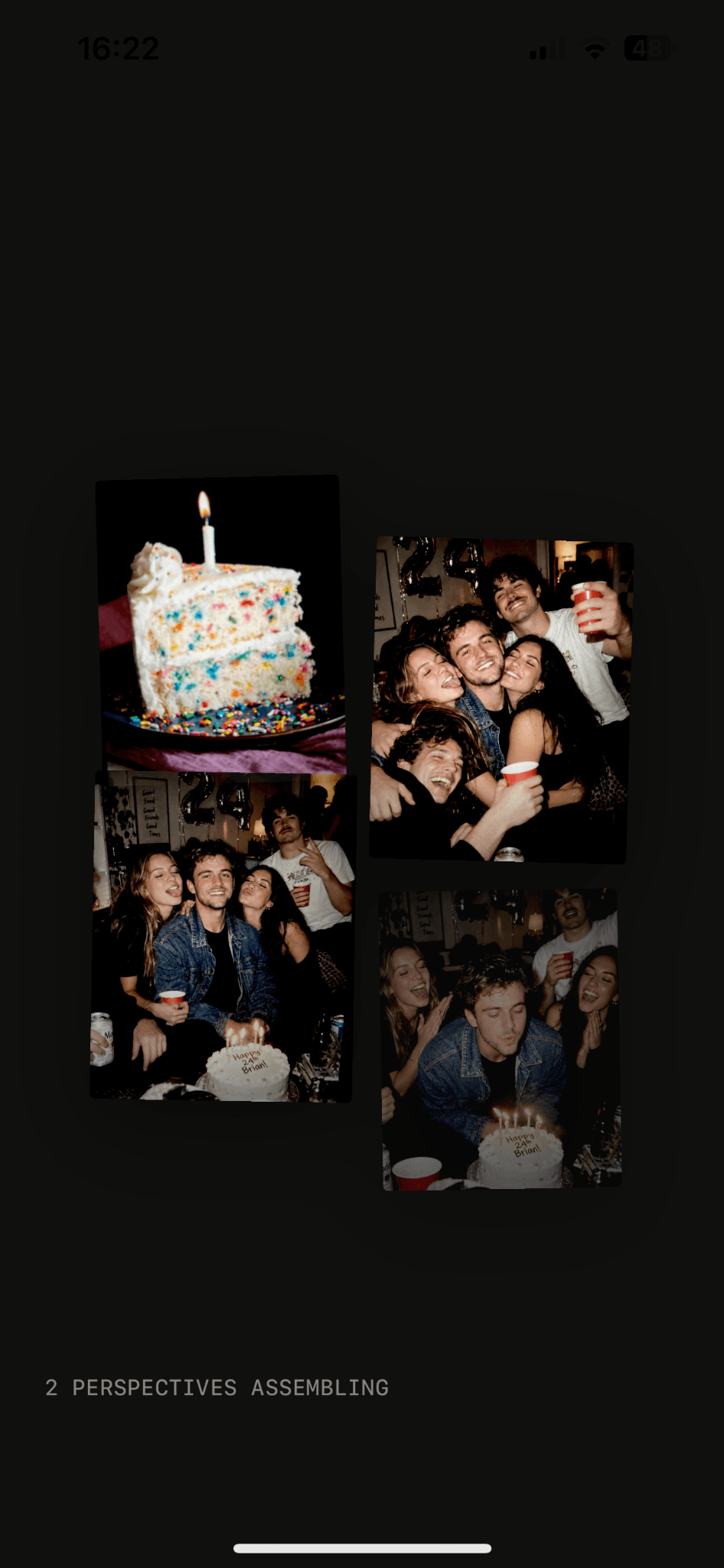
Separate rolls become one exposure. Hidden, then counted down, then developed — every point of view assembling into a single shared Memory.
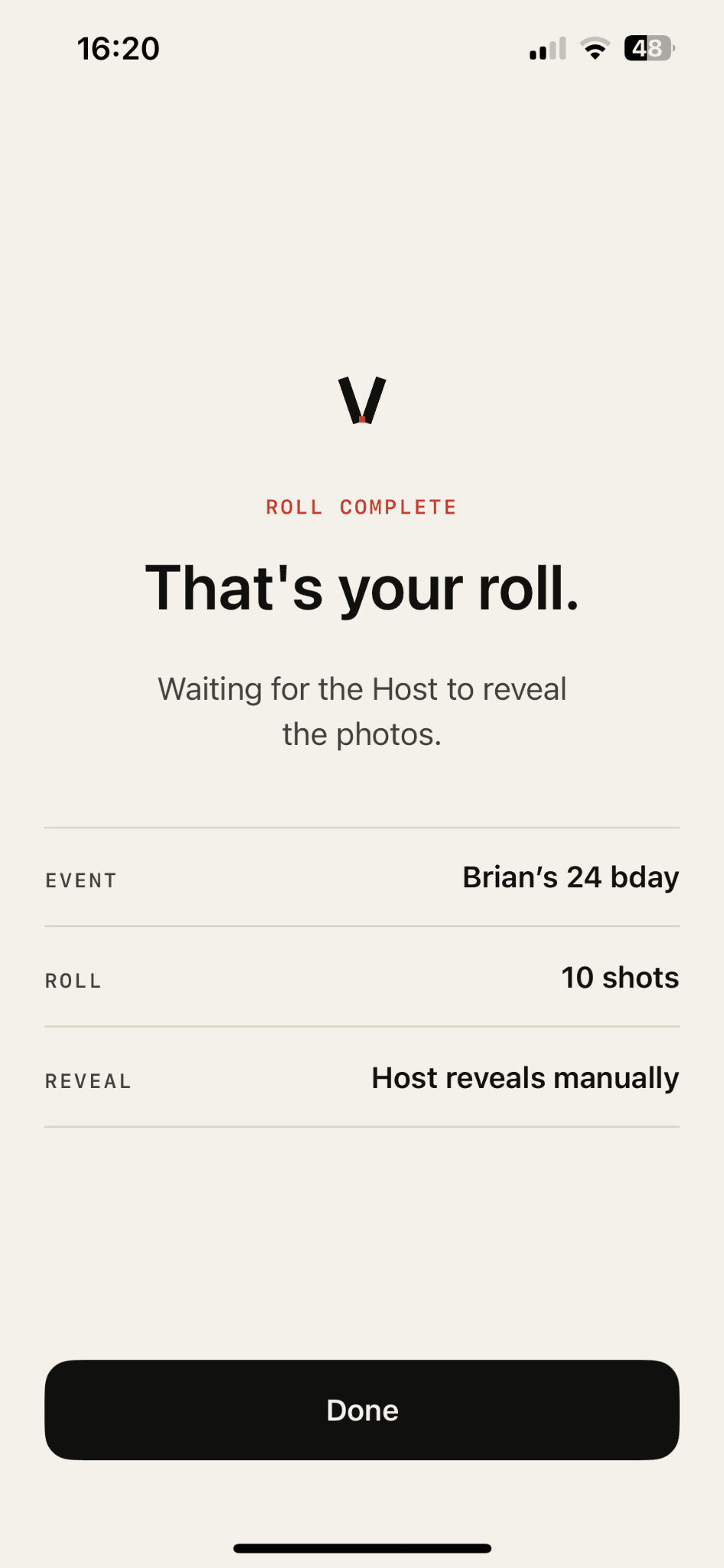
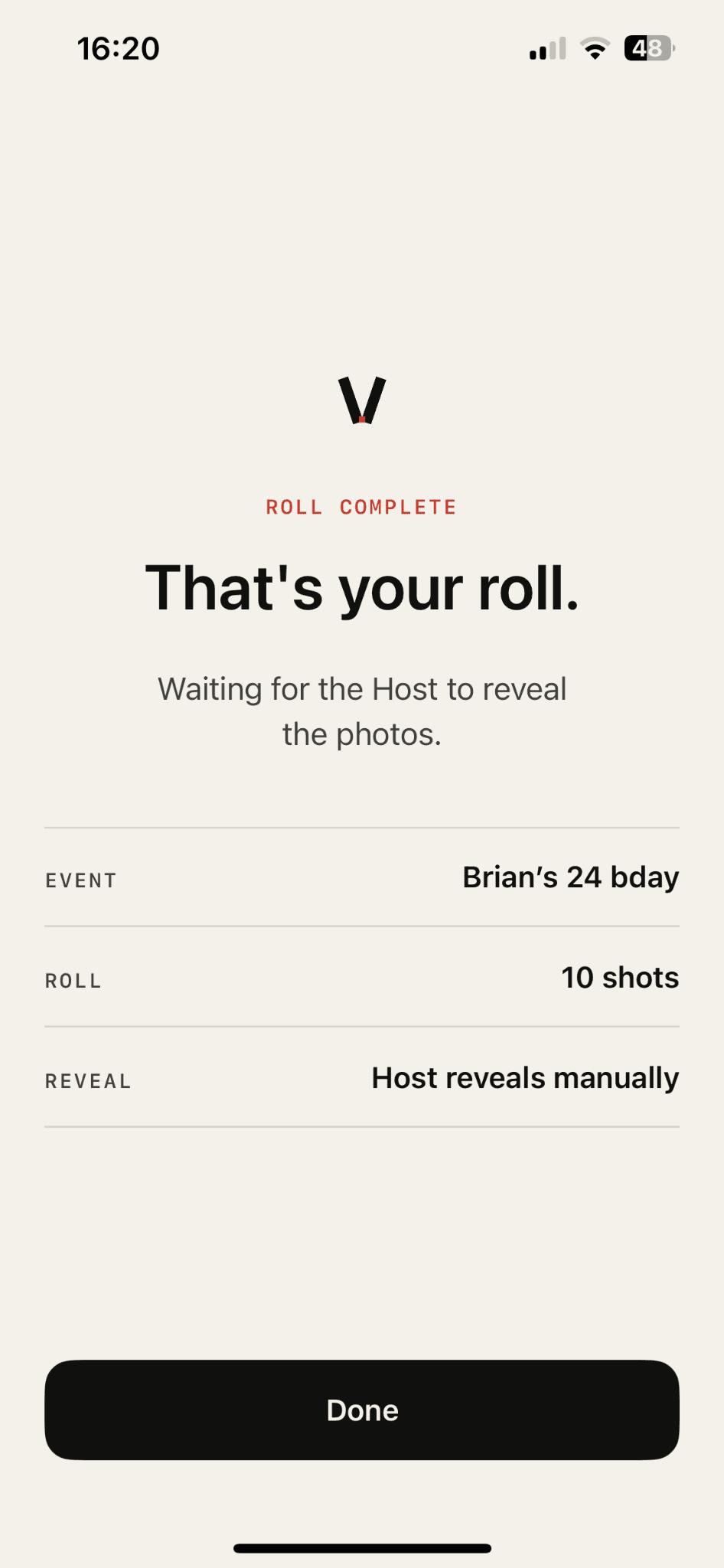 01ROLL COMPLETE
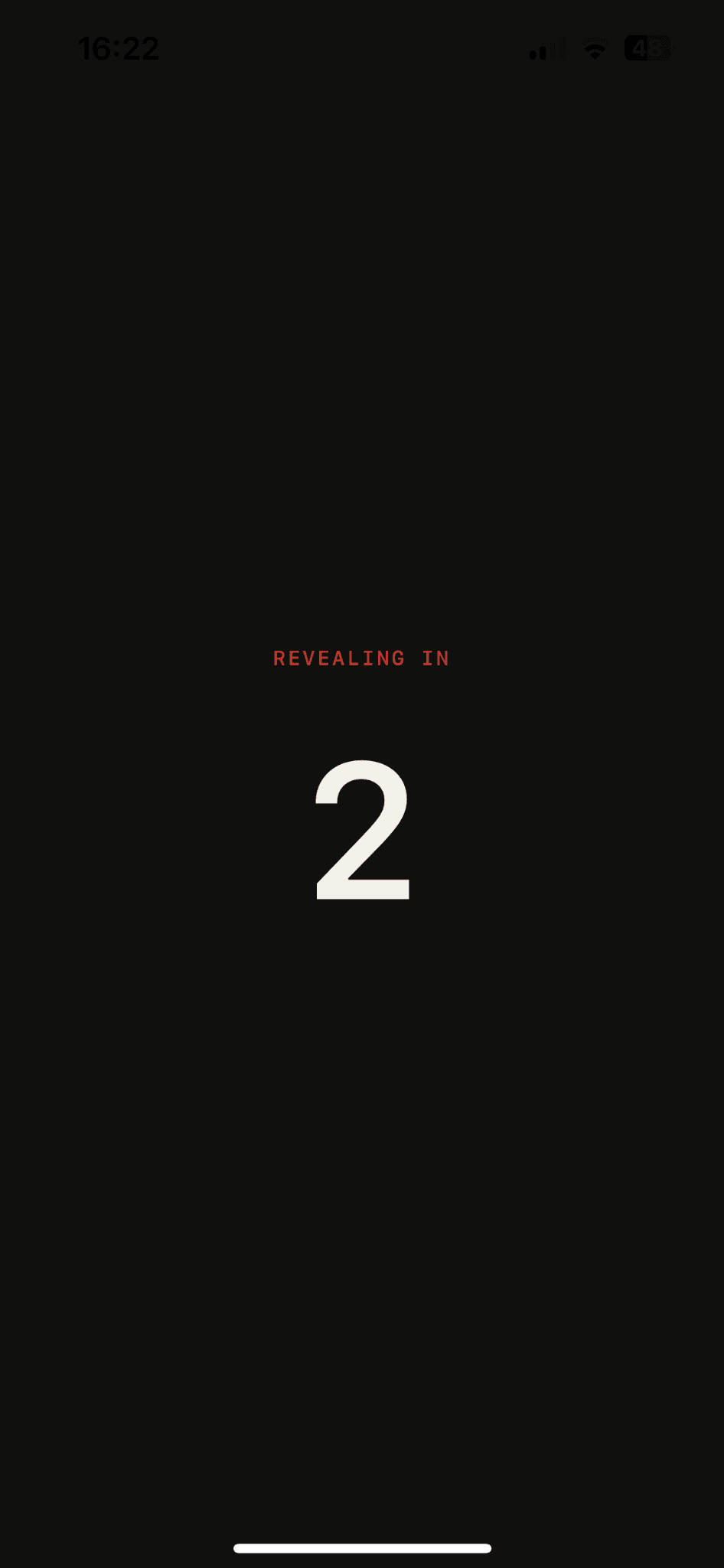 02COUNTDOWN
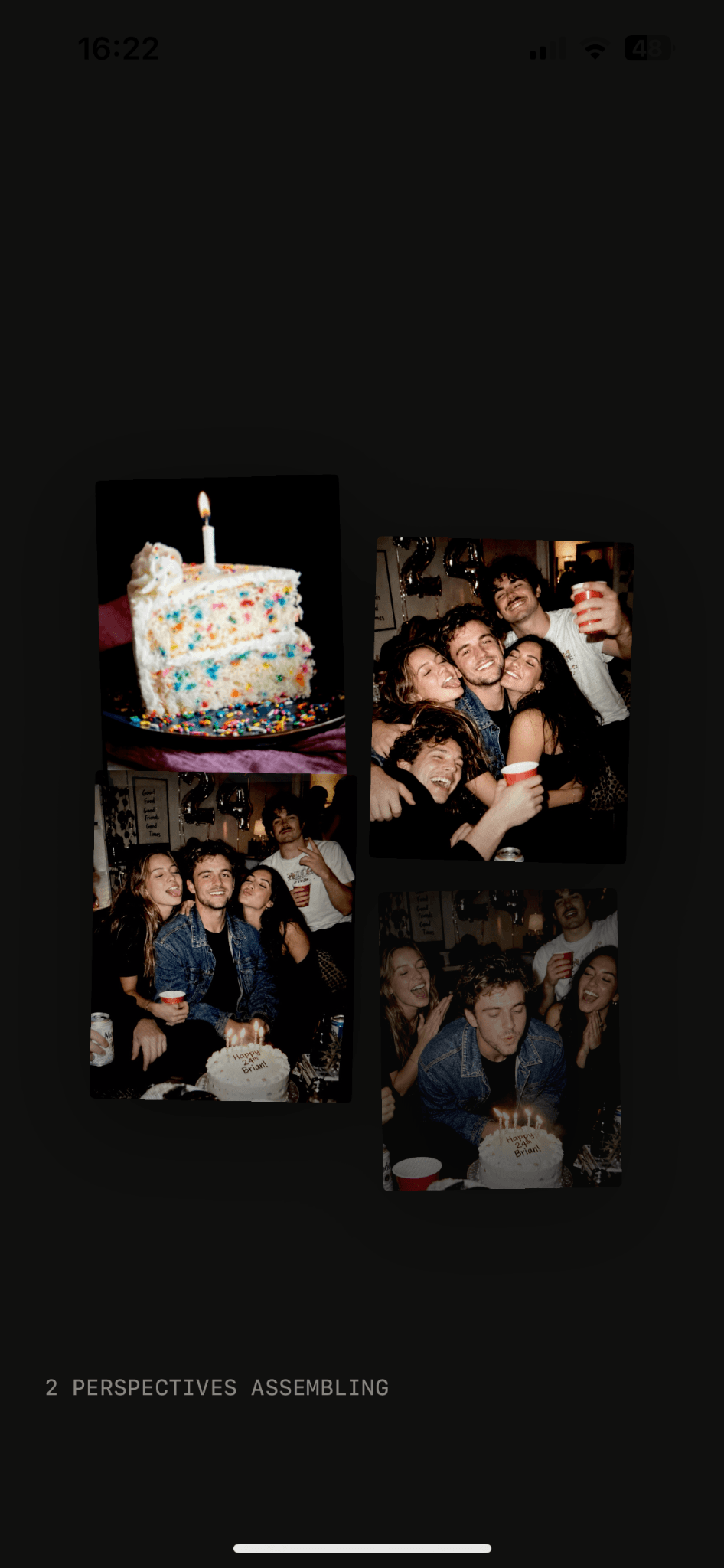 03ASSEMBLE
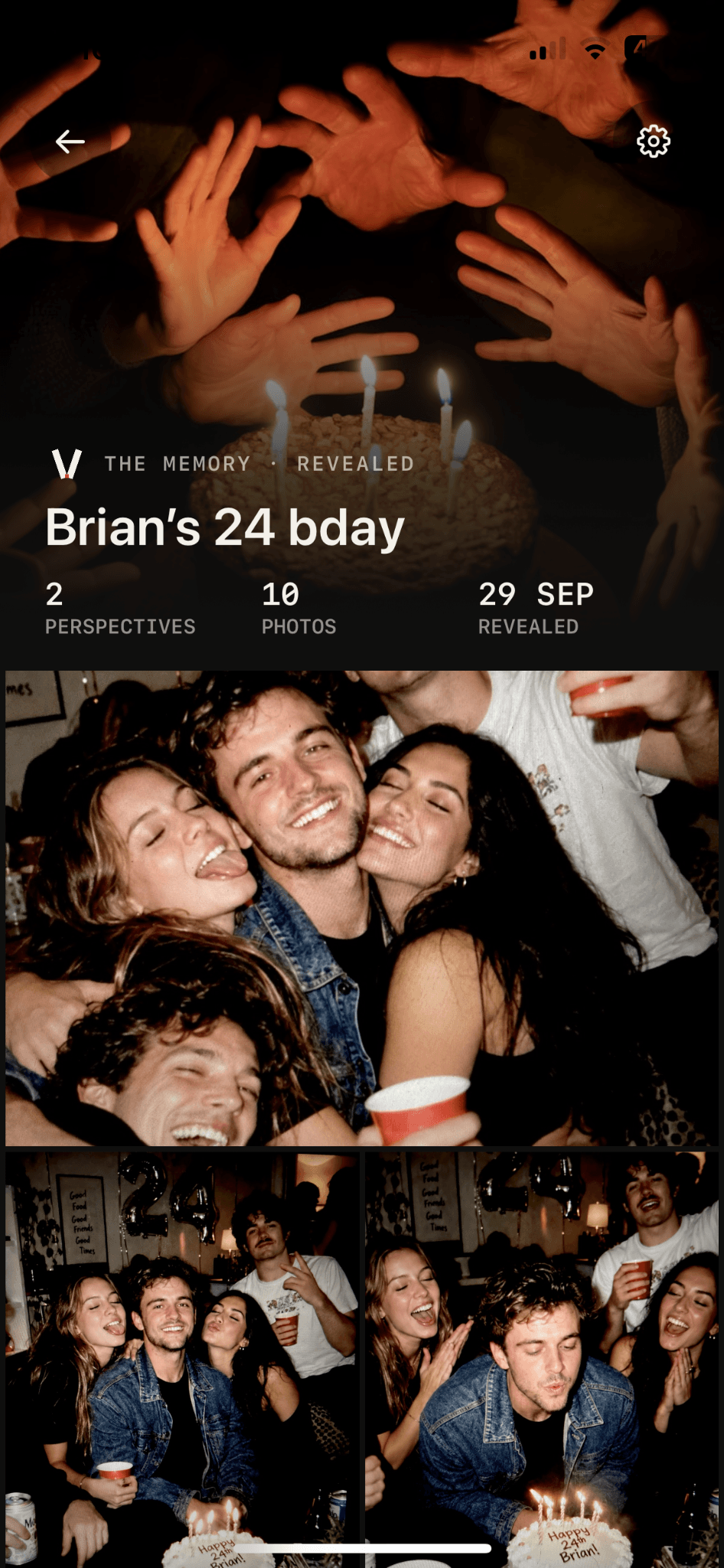 04MEMORY
What's left is
everyone's point
of view.
One Event, seen from every side. The Memory holds the frames no single photographer could have taken alone.
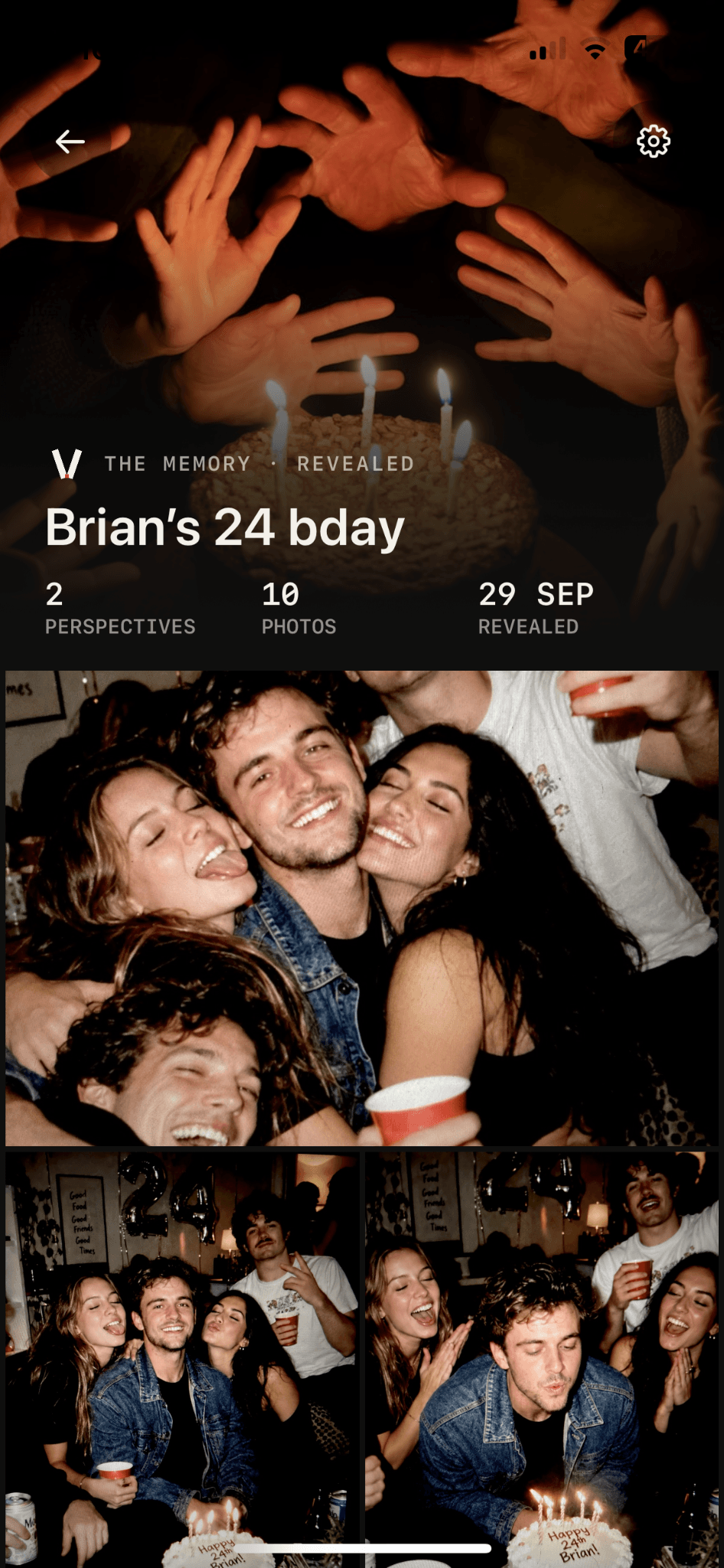
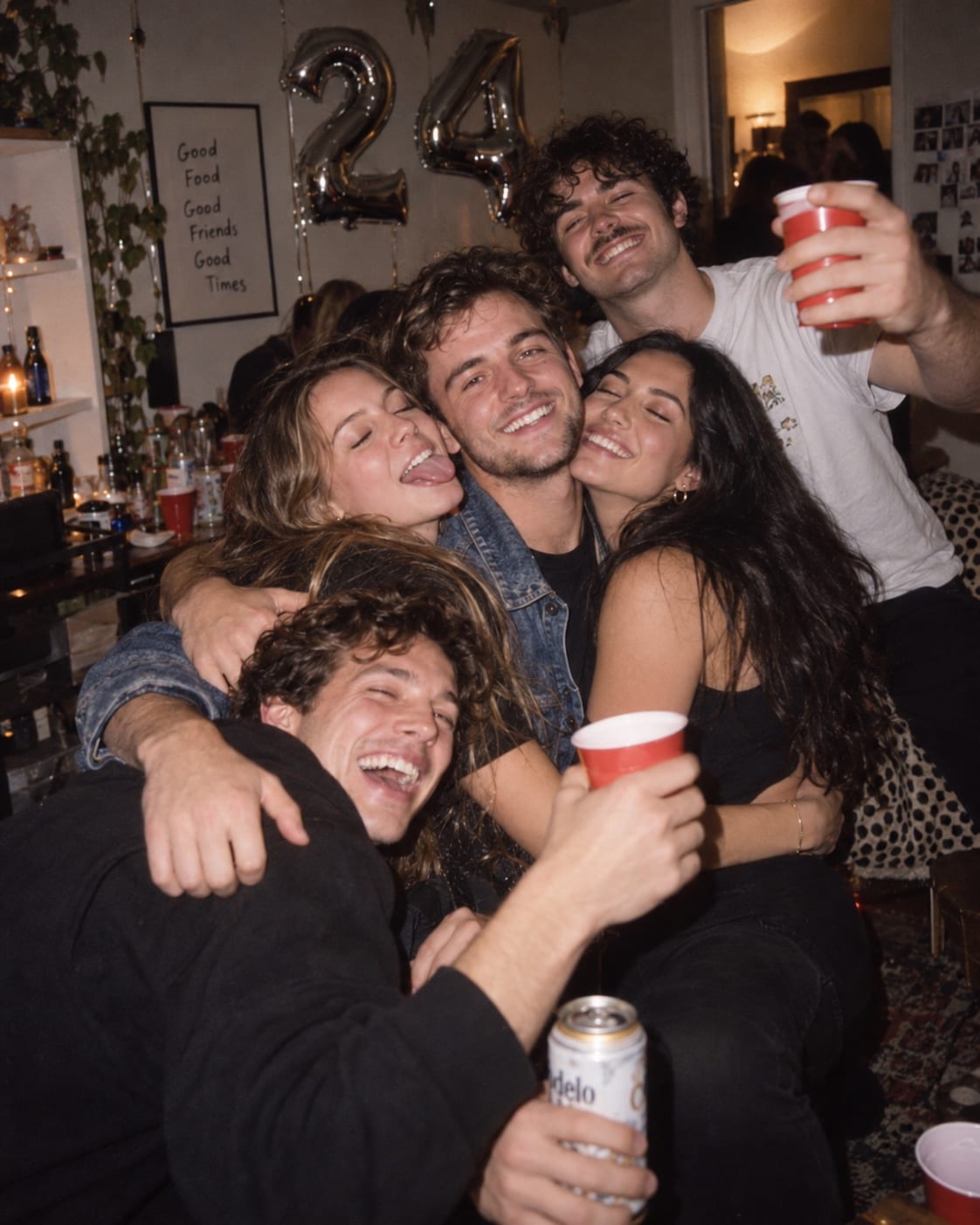

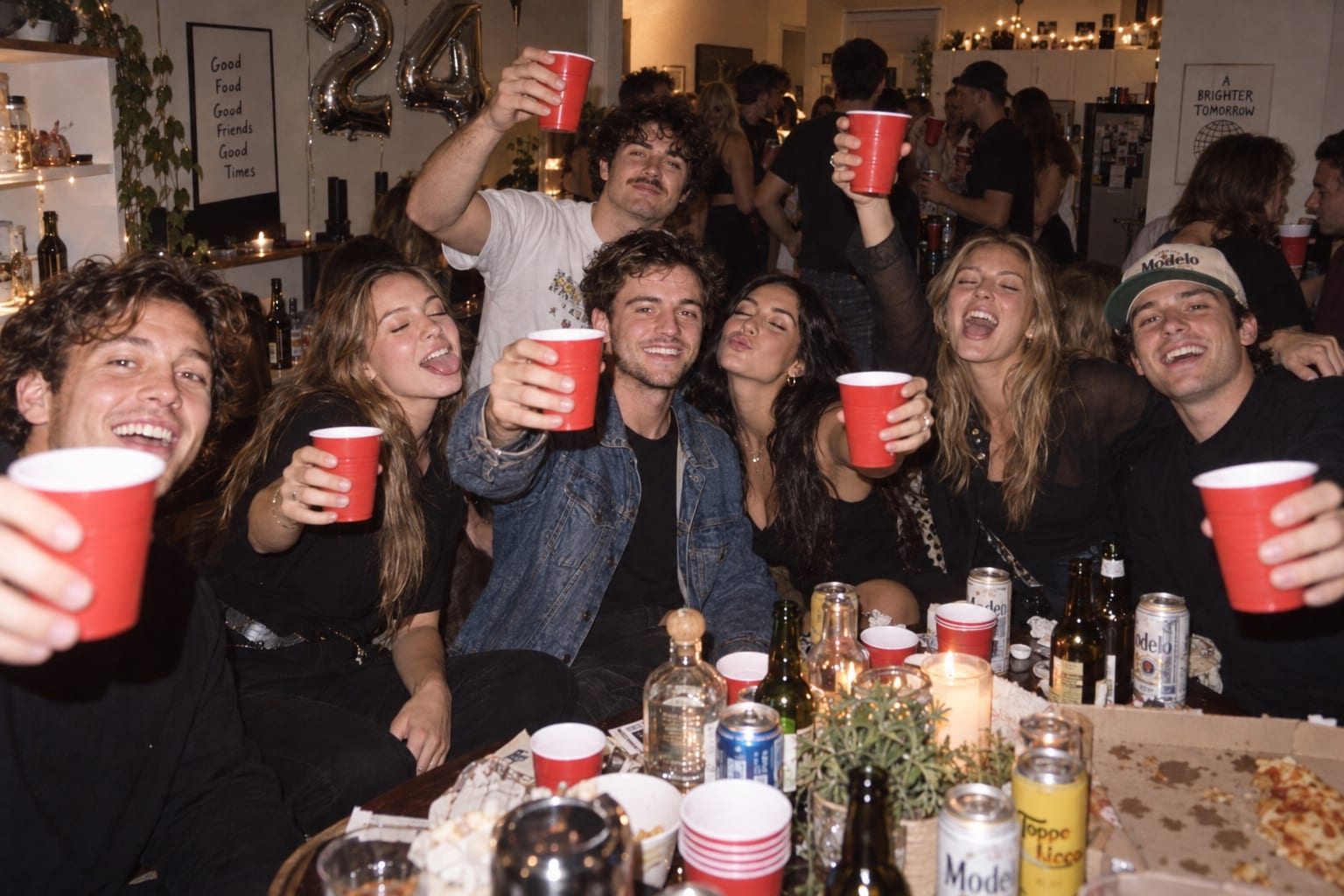


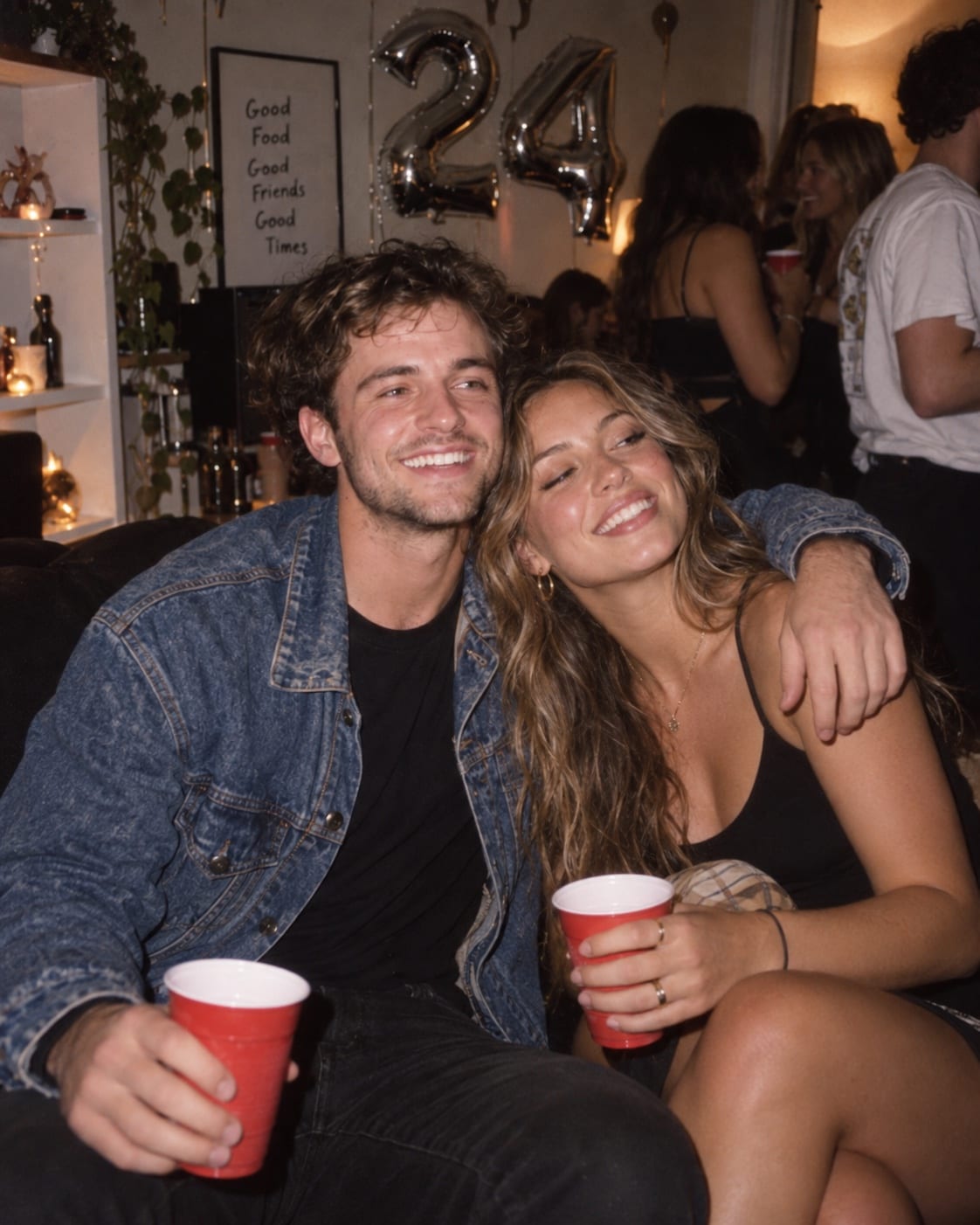

One product. Every kind of gathering.
The ritual never changes — same camera, same roll, same Reveal. Only the room does.
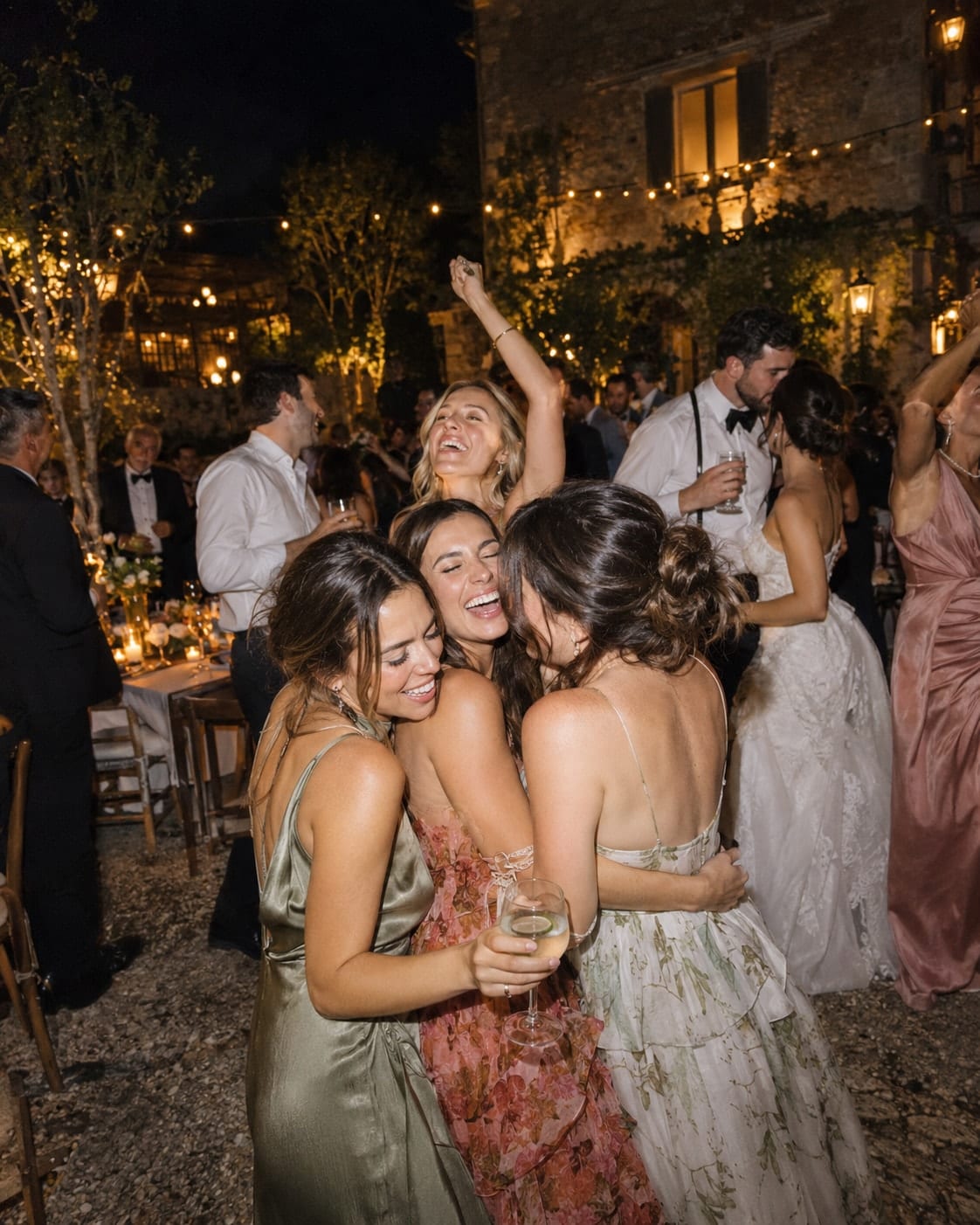
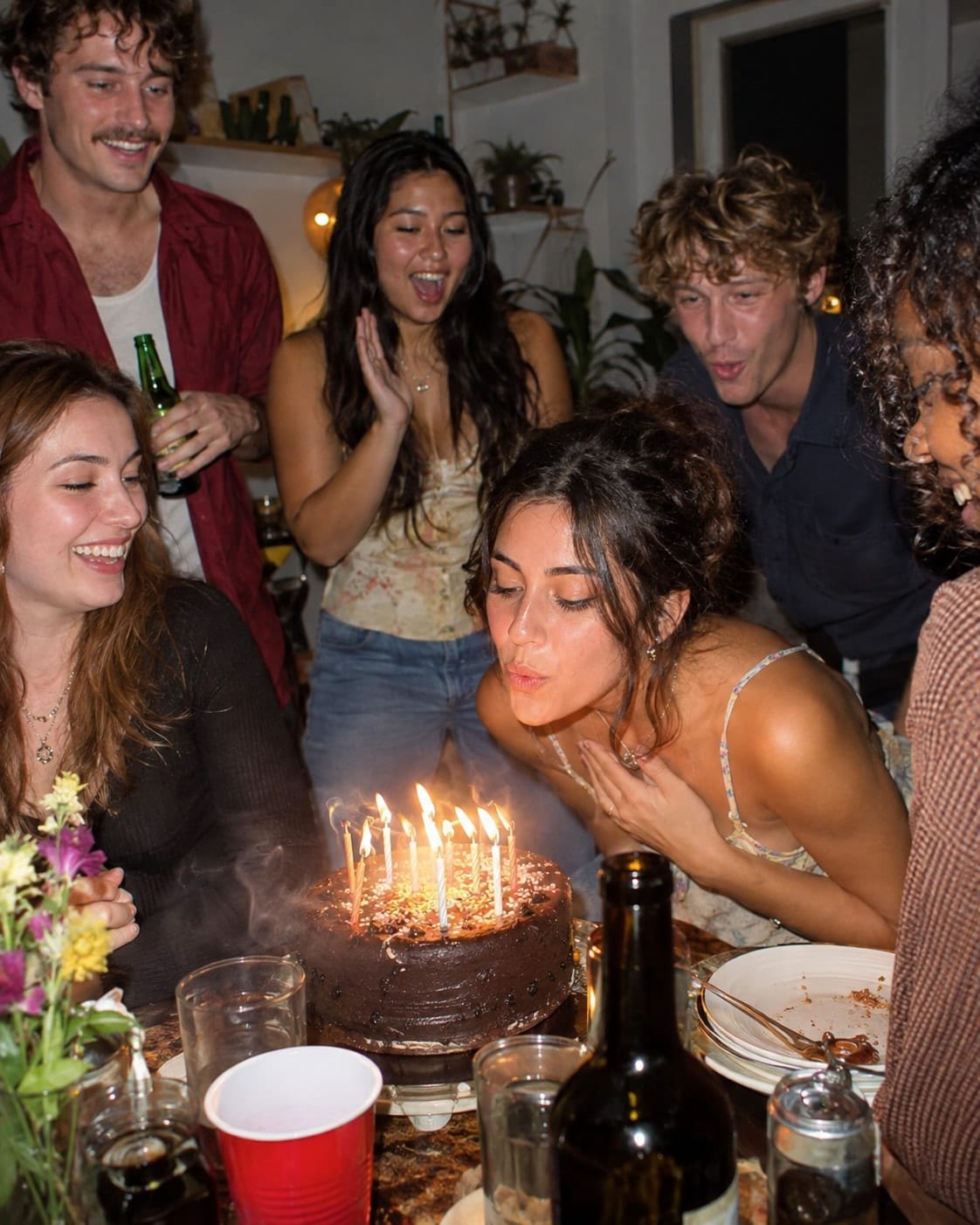
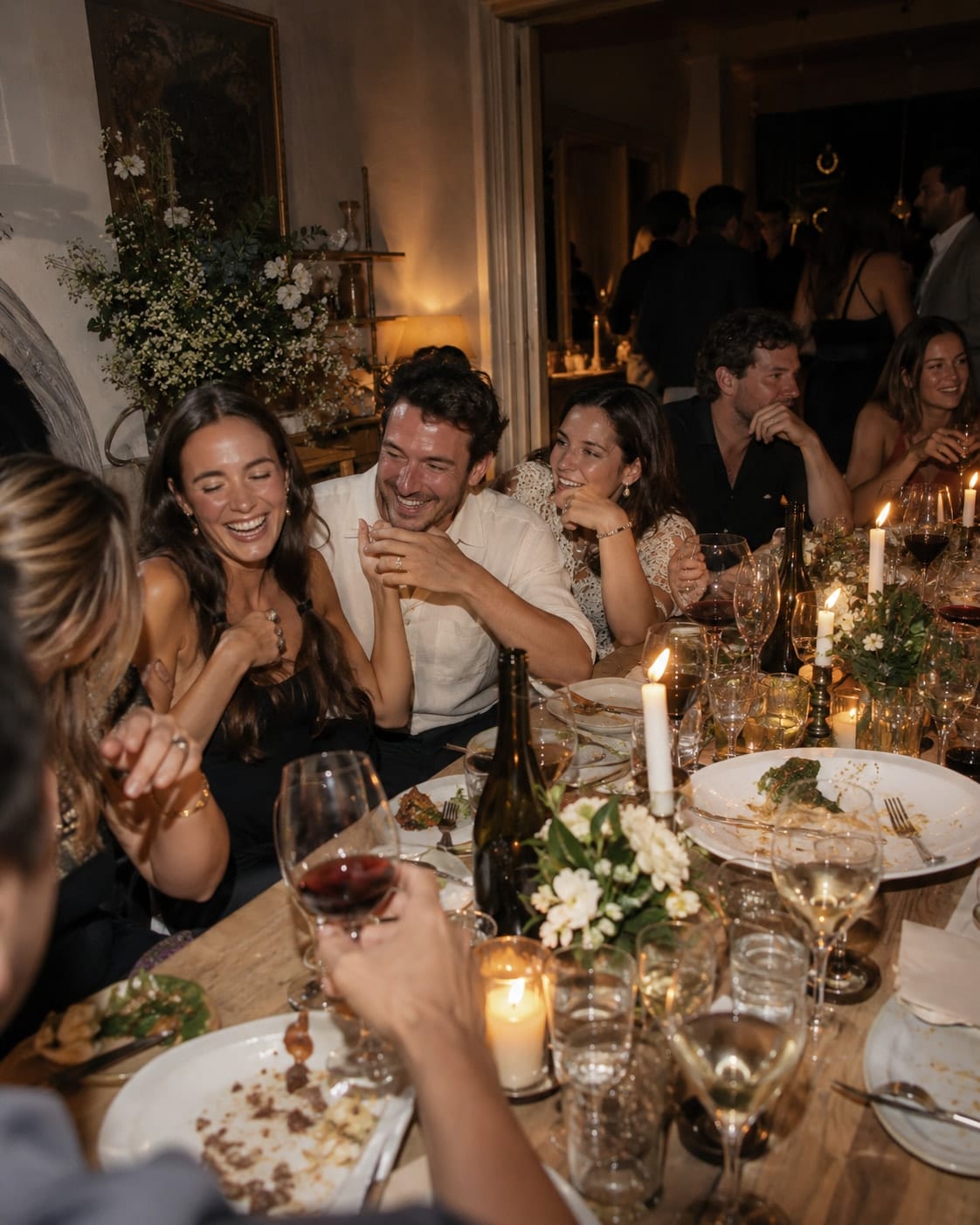

Every guest’s angle on the day.

Every Event lives at one stable link.
Share one private pove.app link or QR. On iPhone, Guests continue in POVE or its App Clip. Capture happens in POVE—not in the browser.
One QR · No account to create · Start shooting in POVE

The honest
questions.
No. Photographs stay hidden during the Event. Everyone keeps shooting, and nobody looks until Reveal.
No. Guests can join a private Event through POVE or its App Clip without creating a permanent account.
The Host shares one private link or QR. On iPhone, Guests continue in POVE or its App Clip. Capture happens in POVE—not in the browser.
A roll has a finite number of exposures. Once those frames are used, the photographs remain hidden with the Event until Reveal.
The Host chooses an immediate, scheduled, or manual Reveal setting. POVE opens the shared Memory according to that setting, without participant previews beforehand.
The Host and authorized Event participants can view the shared Memory in the full POVE app after Reveal. Reveal does not publish the Event or its photographs on the web.


Your next memory
starts here.
Create an Event, invite the room, and let Reveal do the rest.
iPhone · iOS · pove.app